

API Keys
Learn how Yousign API keys work: how to create them, use them, manage them securely, and understand their limits.
What is an API key?
An API key is a secret credential used to authenticate every request to the Yousign API. You must include it with all API calls.
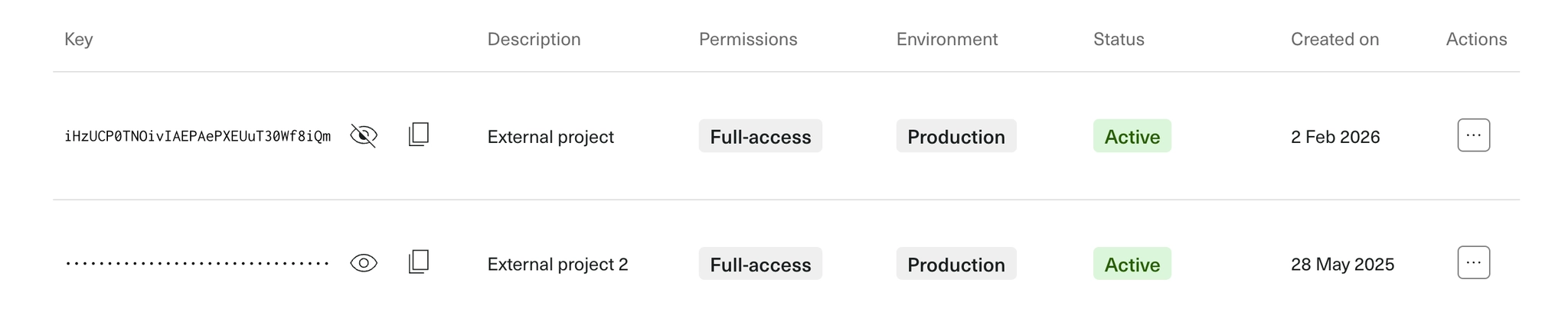
How authentication works
Send your API key in the Authorization header using the Bearer scheme.
curl --location --request GET '{baseUrl}/signature_requests' \
--header 'Authorization: Bearer {apiKey}'{baseUrl}: Replace with the appropriate base URL.{apiKey}: Replace with the API key.
❗️Security and operational best practices
Treat API keys as secrets. Do not share them publicly.
- Store API keys in a secure secrets manager; never commit them to source control.
- Do not put API keys in URLs or client‑side code.
- Prefer workspace scope and read‑only permission where possible.
- Rotate keys periodically and revoke any key you no longer need.
- If a key is exposed, revoke it immediately and replace it with a new one.
Configure an API key
When you create an API key, you set the following:
Description
Give each key a clear, unique description so you can identify it later (for example: "Prod – Billing service").
Environment
Defines which environment the key can access:
production: Access to Production resources.sandbox: Access to Sandbox resources.
A key created in one environment cannot access the other.
→ to learn more, see Environments.
Scope
Defines which data the key can reach:
organization: Access to data across the entire Yousign Organization.workspace: Access to resources in the selected Workspaces. The key cannot access resources from other Workspaces, but it can access some organization-level resources (such as Webhooks, Custom Experiences).
If you choose workspace scope, you must select the authorized Workspaces at creation. The following rules apply:
- You can create, view, update, and delete resources that belong to the authorized Workspaces (for example: Signature Request, eSeal, Template, etc.).
- You cannot access resources from other Workspaces.
- On User and Workspace resources, only read operations are allowed; write operations are not permitted.
Permissions
Defines which actions the key can perform:
full-access: Read, create, update, and delete.read-only: Read only.
Use the least privilege necessary.
API key Quota
You can have up to 200 active API keys per Organization across all scopes and environments.
Need more API keys?
If you are on the Scale plan, we can increase your quota. Please contact the customer support.
Manage API keys in the app
Create, copy, and revoke API keys directly from the API keys page in the Yousign app. This is where you also scope keys to Workspaces and set permissions.
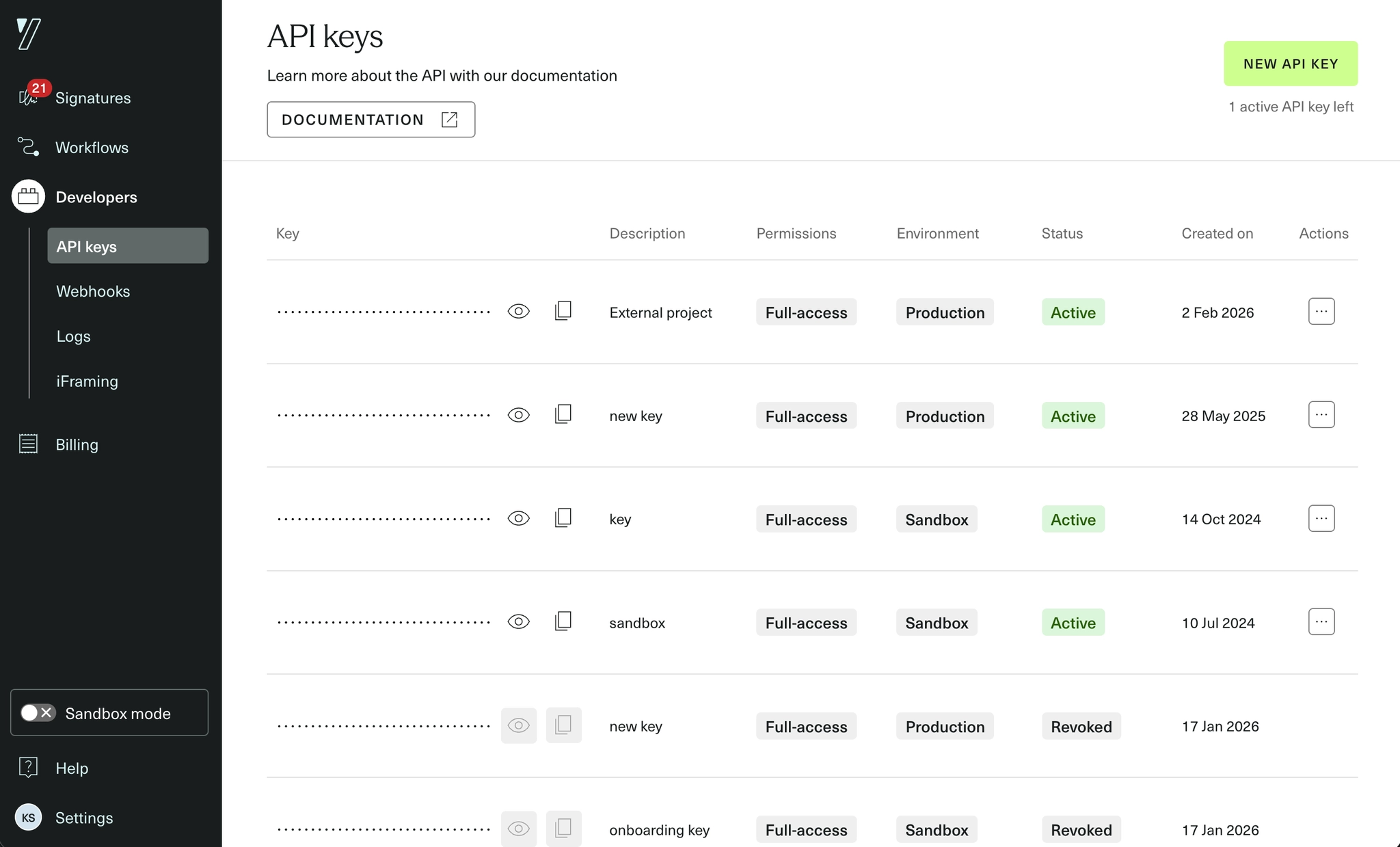
For a walkthrough of the page itself, see the dedicated help center article.
Who can manage API keys?
Access follows user roles to keep administration safe:
| Role | Organization‑scoped keys | Workspace‑scoped keys |
|---|---|---|
| Member | ❌ Cannot view or create | ❌ Cannot view or create |
| Admin | ✅ Can view and create (all keys) | ✅ Can view and create, limited to Workspaces the Admin belongs to |
| Owner | ✅ Can view and create (all keys) | ✅ Can view and create (all keys) |
Security and operational best practices
- Keep keys secret. Store them in a secure secrets manager; never commit them to source control or expose them in client-side code.
- Prefer workspace scope and read-only permission where possible.
- Rotate keys periodically and revoke any key you no longer need.
- If a key is exposed, revoke it immediately and replace it with a new one.