

Manage templates
Templates are scoped ressources, it means that Templates created in Sandbox can only be used to create Signature Requests in Sandbox, and Templates created in Production can only be used to create Signature Requests in Production. Template creation is only available from the Application.
Create a Template from scratch
To create a Template, open the Template page of your Yousign Application. For a step‑by‑step walkthrough, see the Help Center article on creating Templates.
If you want to create a Template in Sandbox, make sure to activate the Sandbox toggle switch.
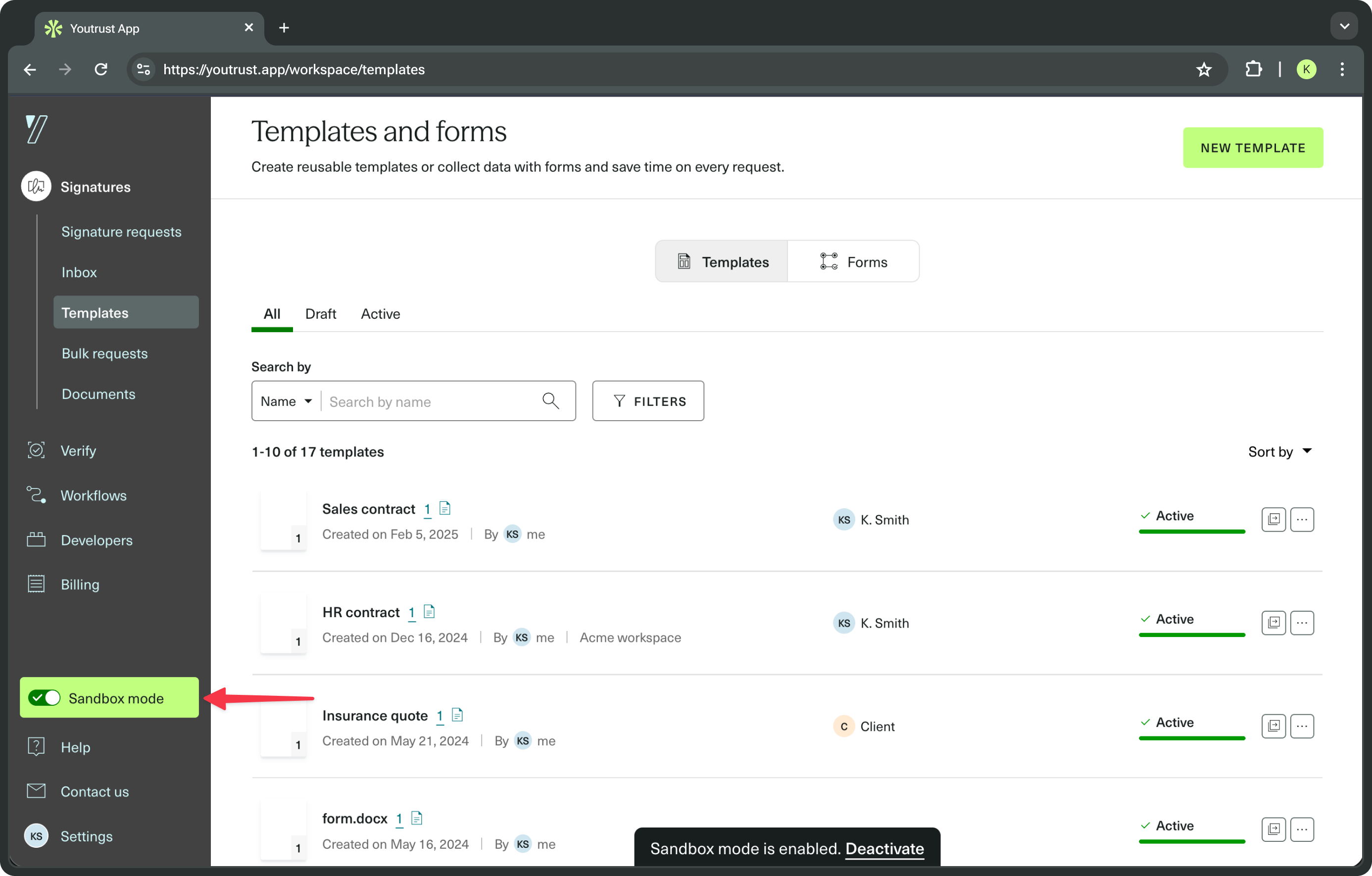
When creating a Template, every aspect of the future Signature Request can be set up in advance. And once a Signature Request is created from a Template, it behaves like any other: it can be edited, activated, deleted, and so on.
Template duplication
Sometimes, duplicating a Template can be useful, either to try out new features or settings without changing an existing Template, or just to saving time during the integration.
Template duplication is available as a quick action in the "..." dropdown menu, or directly on the Template details page.
Template duplication in the same environment
Templates can be duplicated within the same environment, for example, it is possible to duplicate a Sandbox Template directly in Sandbox - or a Production Template directly in Production.
Template duplication across environments
The Template duplication is also available across environments, only from Sandbox to Production. This feature is particularly useful when you have created and tested a Template in Sandbox, and you want to use it for real in your Production environment.
When a template is duplicated from Sandbox to Production, Labels are not copied and the newly created Template in Production is set to Draft status.