

Verification Audit Trail
Discover Audit Trails for Verifications and learn how to access them.
What is a Verification Audit Trail?
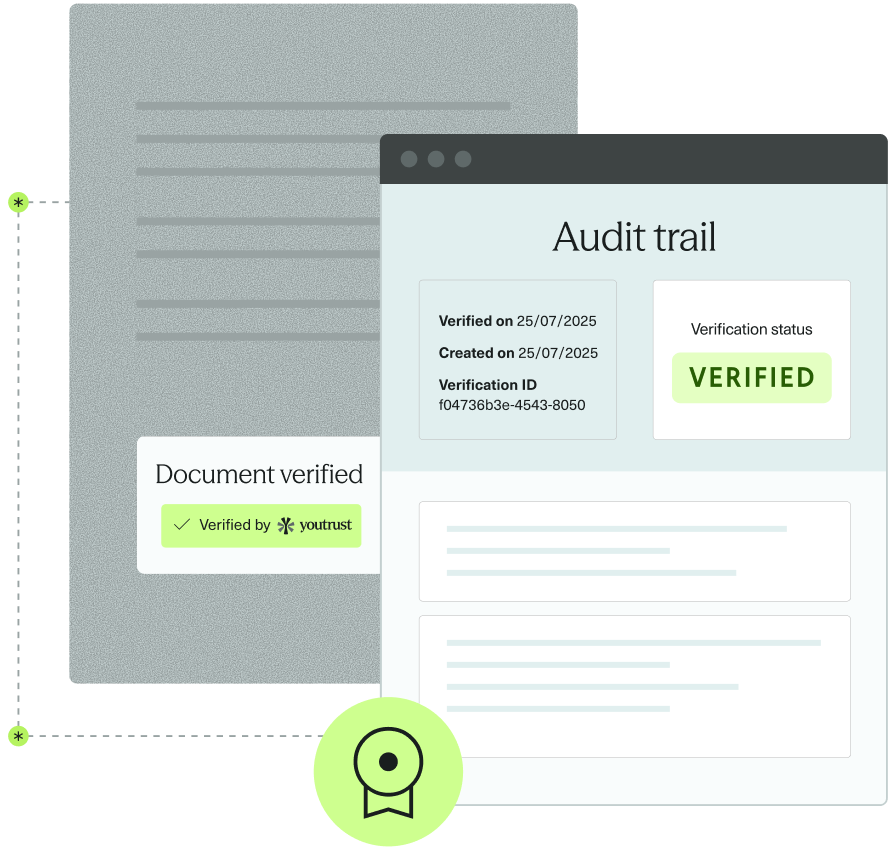
Verification Audit Trails provide tangible proof that a Verification has taken place — showing when, with what data, and with what outcome.
They help you demonstrate that a Verification (for example, an Identity or Company Verification) was correctly performed, including the key operations and data involved.
Each Verification resource has its own dedicated Audit Trail, available as a PDF file you can download via the API or from the Youtrust app.
Legal Value
When a Verification ends with status verified or failed:
- The JSON record is archived through a trusted archiving process that ensures its integrity over time.
- A readable PDF version is then generated and made available for download.
Together, these ensure every Verification can be proven and traced with integrity over time.
Available Audit Trails
Audit trails are currently available for the following Verification types:
| Verification Type | Status |
|---|---|
| Image Identity Verification | failed, verified |
| Company Registry Verification | failed, verified |
| Video Identity Verification | failed, verified |
| Watchlist Screening | failed, verified |
| Proof of Address Verification | failed, verified |
| Bank Account Document Check | failed, verified |
| Bank Account IBAN Verification | failed, verified |
Support for other Verification types (e.g., Document Analysis) will be added progressively.
Examples & Notices
To understand exactly what an Audit Trail contains, you can consult:
- Example Audit Trails – real samples for each Verification type
- Audit trail Notices – detailed explanations of structure, fields, and processing steps
👉 Both the examples and the notices are available on this page.
Download a Verification Audit Trail
Via API
You can download a Verification’s PDF Audit Trail using the following endpoint Download Verification Audit Trail.
The response will return the Audit Trail as a binary PDF file.
Via the Application
If your Verification is linked to a Workflow Session, you can download the Audit Trail directly from the Workflow dashboard in the Youtrust app.
Sandbox Behavior
In the Sandbox environment, audit trails are simulated — no real Verification data is used.
When you download an audit trail in Sandbox:
-
If the Verification status is
verified, Youtrust returns a sample “verified” PDF. -
If the Verification status is
failed, Youtrust returns a sample “failed” PDF.
Additional notes:
- They are provided in English only.
- This behavior allows you to test your integration and confirm that the download flow works correctly, without performing real Verifications.