

Email notifications
Learn how email notifications work with Yousign and how to control, customize, or disable them.
Yousign uses email notifications to keep everyone informed at each step of the signature process. These emails are used to deliver signature and approval links, notify recipients of status updates, send reminders, and confirm completion or cancellation of a Signature Request.
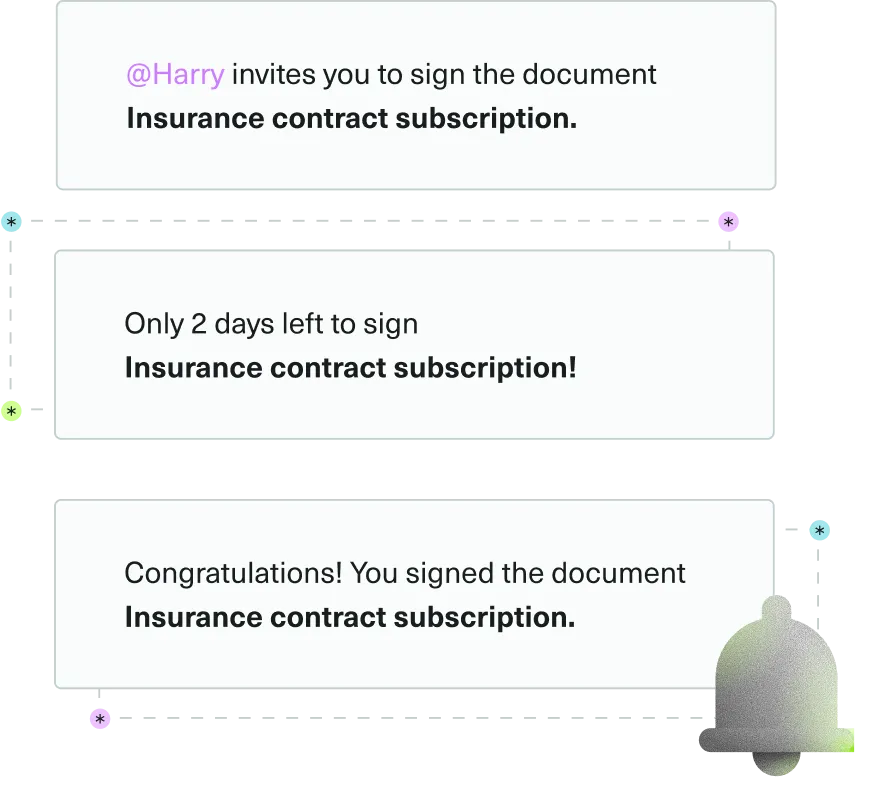
Depending on the role, different people may receive emails:
- Signers: invitations to sign, reminders, and updates about the request
- Approvers: approval requests, reminders, and updates
- Followers: general information and updates about the Signature Request
- Sender: key events such as completion, cancellation, or errors
You can choose how much you want to rely on Yousign for these messages. You can:
- Let Yousign handle all emails,
- Customize the content
- Take full control and manage the notifications yourself
This section explains how to configure, customize, and monitor email notifications through the API, so they integrate smoothly into your product and communication flows.
Deactivate email notifications
You can control which notifications are sent, from disabling all emails to selectively deactivating specific ones. Using the delivery_mode parameter, Custom Experiences, or signer-level exclusion lists, you choose whether Yousign sends the emails or whether you send your own messages instead.
→ Read the guide: Deactivate email notifications
Customize email content
You can customize invitation and reminder emails so they match your brand and provide the right context for your recipients. Customization can be applied at the Signature Request level or overridden for individual recipients using the custom_text parameters.
→ Read the guide: Customize email content
Reminders
Reminders help you keep Signature Requests moving forward by notifying people who haven’t signed or approved yet. You can set up automatic reminders or trigger them manually via the API.
→ Read the guide: Reminders
Manage notification delivery failures
If an email can’t be delivered, Yousign sends dedicated Webhook events so you can detect the problem, react automatically, and, if needed, use another communication channel (for example SMS or an in‑app notification).
→ Read the guide: Manage notification delivery failures