
2 new locale de andit are available for your audit trails.
You can now choose between en, fr, es, de or it.
By default, en will be used (current behavior).
This option can be set on Signature Requests with audit_trail_locale field.
2 new locale de andit are available for your audit trails.
You can now choose between en, fr, es, de or it.
By default, en will be used (current behavior).
This option can be set on Signature Requests with audit_trail_locale field.
It is now possible to add multi-line mention fields in Signature Requests sent with our API.
Currently, this option is only available for manual fields and is not yet available for Smart Anchors.
Two options are offered:
More details are available in our documentation.
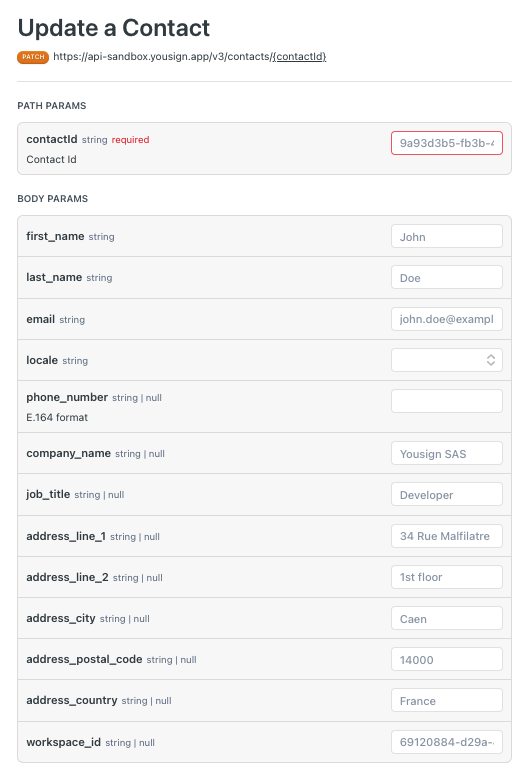
Contacts can now be updated using the API. The endpoint details can be found here.
It is also possible to manage Contacts from the application.
When an ongoing Signature Request using the delivery mode : none has the email address from a Signer updated, the previously generated Magic Link is not valid anymore.
If you update a Signer's or an Approver's email address after the Signature Request activation, the previously sent signature link for this specific signer will be disabled. You will have to fetch the new Signature Link and it again to the Signature Request participant.
More information about the delivery mode :none and signature links can be found here
The initial webhook timeouts will change from 10 seconds to 0.5 seconds, and retries will still
have a 10-second timeout. If a webhook fails on the first attempt due to a response taking too long, it will still be retried as explained in our Failure and Retry Policy.
The webhook timeouts evolution will affect you if:
If either applies to you, we recommend adjusting your webhook setup.
When your initial webhook response takes more than 0.5 seconds, it might trigger a retry, even if it is processed correctly on your side, potentially leading to duplicates. To prevent this:
event_id attribute available in payload to ensure its uniqueness.Take a moment to review our dedicated guide to better understand these changes.
WarningThese changes are effective since 18/10/2023.
We are proud to introduce to the market the simplest QES experience, certified by ANSSI in France. Note that our QES is available all across Europe.
Good to know Signers will then have the possibility to register their identity on their own smartphone, to sign their next QES faster --> No application download is needed, it simply works thanks to a secured QR code.
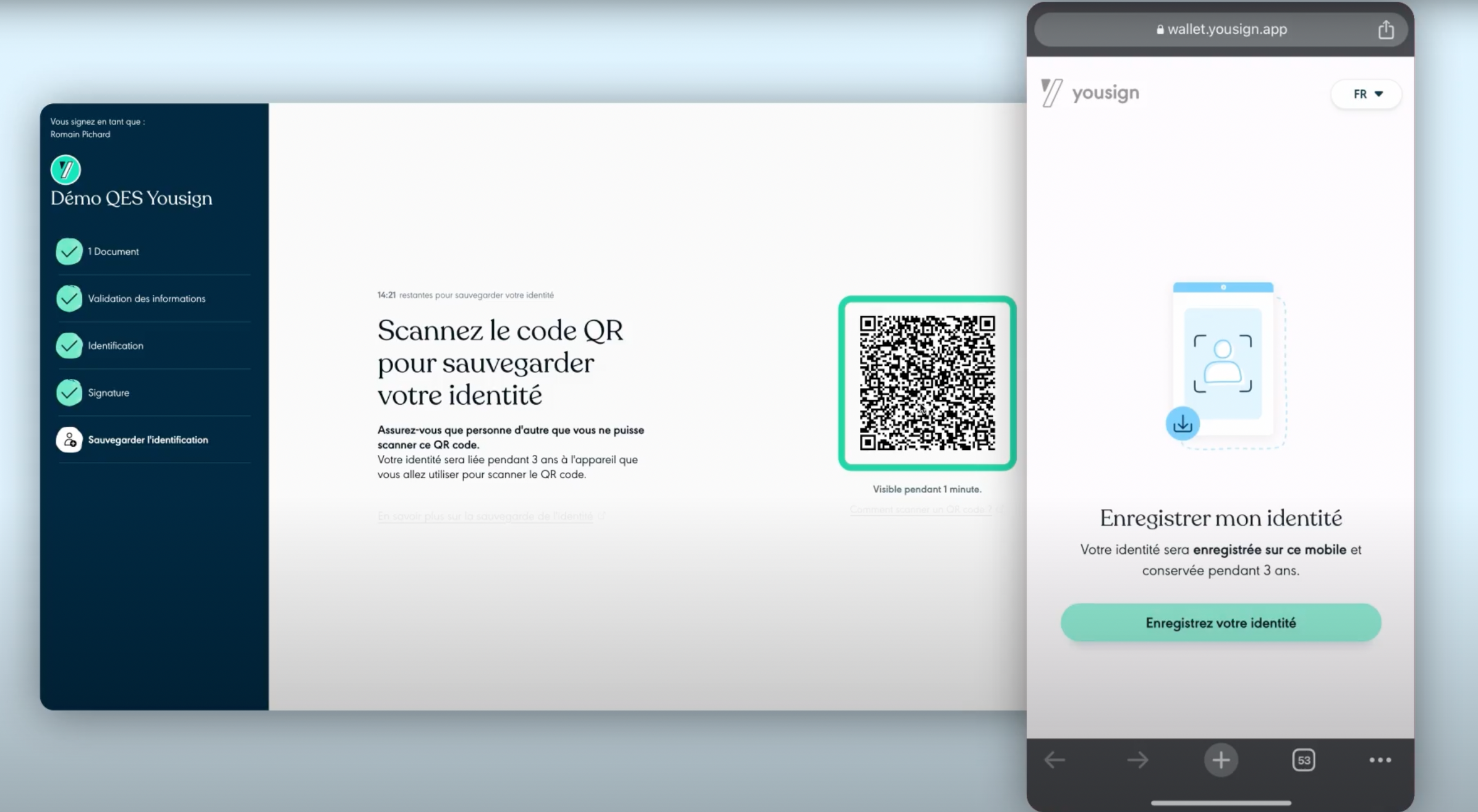
If you wish to use this level on API, please contact our sales team. Get more information on the QES by Yousign on our Website.
After activating the QES level on your subscription, simply follow the QES level page to set up and test your implementation.
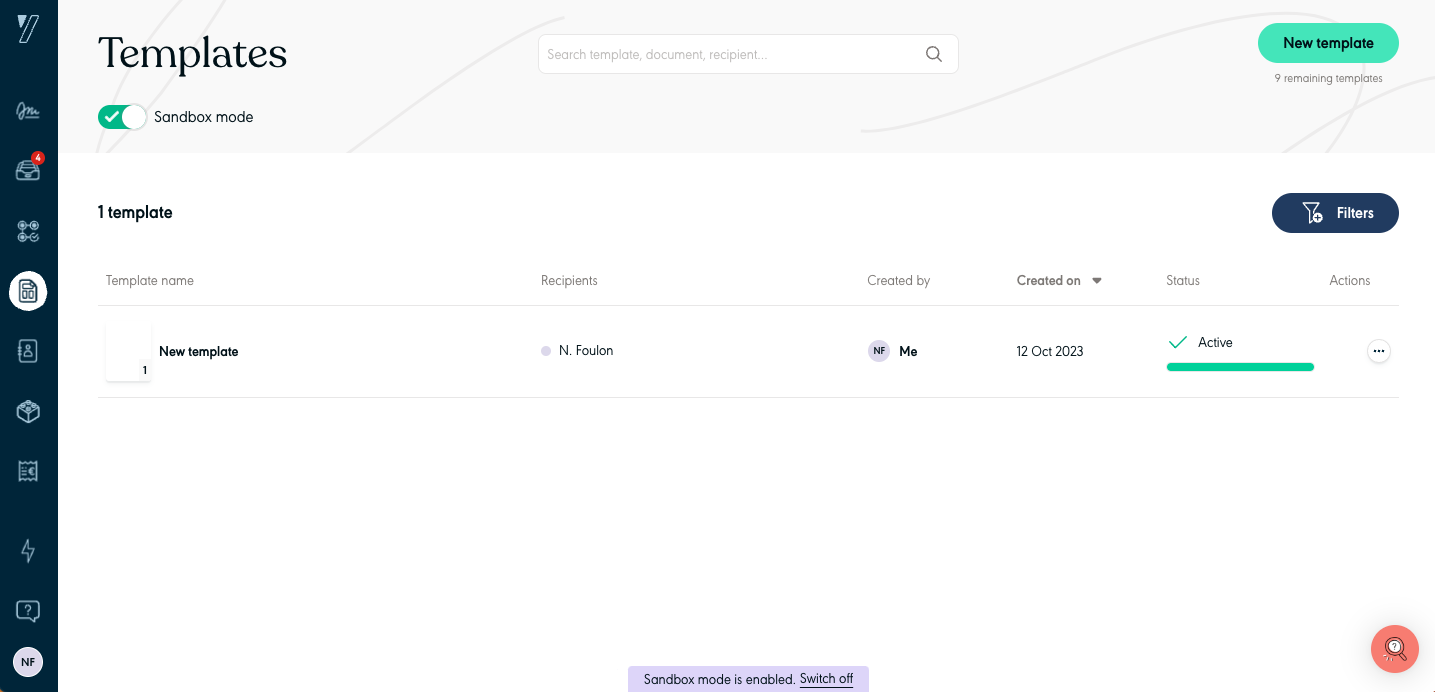
It is now possible to:
The documentation is available here.
It’s now possible to customise the Signature Request sender name with our API. The customisation is possible in the end-point POST /signature_requests.
3 options are available :
This change affects:
Here is a payload example using the sender's custom value.
{
  "name": "New Signature Request",
  "delivery_mode": "email",
  "reminder_settings": {
    "interval_in_days": 1
  },
  "email_notification": {
    "sender": {
      "type": "custom",
      "custom_name": "A very custom sender name"
    }
  }
}A new locale es is now available for your audit trails.
You can now choose between en, fr and es.
By default, en will be used (current behaviour).
This option can be set on Signature Requests